• CPA & bookkeeping support
  • QuickBooks setup and cleanup
  • Monthly reporting
  • Tax planning
  • CFO advisory
  • Virtual and local support

Serving

  • Small businesses
  • Nonprofits
  • Real estate investors
  • Restaurants
  • Contractors
  • Healthcare practices
  • Eco & green businesses

Bookkeeping · 8 min read

QuickBooks Setup Checklist for Small Businesses

QuickBooks can help small businesses manage income, expenses, payroll, invoices, payments, reports, and tax-ready records. But QuickBooks only works well when it is set up correctly from the beginning. Many small businesses start using QuickBooks quickly without thinking through the chart of accounts, bank feeds, payroll settings, invoice setup, or monthly bookkeeping process. That can lead to messy records, inaccurate reports, and frustration at tax time. This QuickBooks setup checklist explains the major steps a small business should complete before relying on QuickBooks for financial reporting.

Why Proper QuickBooks Setup Matters

QuickBooks is more than a place to store transactions. It is the foundation for bookkeeping, tax preparation, cash flow tracking, payroll records, and business financial decisions.

A proper setup helps you:

  • Track income accurately
  • Categorize expenses correctly
  • Reconcile bank accounts
  • Prepare financial statements
  • Monitor cash flow
  • Keep records tax-ready
  • Reduce bookkeeping cleanup later
  • Improve reporting for lenders, investors, or owners

Step 1: Choose the Right QuickBooks Version

Before setting up QuickBooks, choose the version that fits your business. Many small businesses use QuickBooks Online because it is cloud-based and allows collaboration with bookkeepers, accountants, and tax professionals.

Consider your needs:

  • Do you need basic income and expense tracking?
  • Do you send invoices?
  • Do you track inventory?
  • Do you need payroll?
  • Do you need project or class tracking?
  • Do you have multiple users?
  • Do you need reports by location, department, or program?

Step 2: Set Up Company Information

Your company information should be entered correctly from the start.

Review and enter:

  • Legal business name
  • Business address
  • Employer identification number, if applicable
  • Business structure
  • Industry
  • Fiscal year
  • Accounting method
  • Tax settings
  • Contact information

Step 3: Build Your Chart of Accounts

The chart of accounts is the backbone of QuickBooks. It organizes your income, expenses, assets, liabilities, and equity.

A small business chart of accounts may include:

  • Sales income
  • Service income
  • Cost of goods sold
  • Advertising and marketing
  • Rent
  • Utilities
  • Office expenses
  • Software
  • Payroll expenses
  • Insurance
  • Professional fees
  • Bank fees
  • Owner draws or distributions
  • Loans payable

Step 4: Connect Bank and Credit Card Feeds

QuickBooks can connect to your business bank and credit card accounts. This allows transactions to import automatically.

When connecting bank feeds:

  • Use only business accounts
  • Avoid mixing personal and business expenses
  • Review imported transactions carefully
  • Match transfers properly
  • Do not rely blindly on automation
  • Reconcile accounts monthly

Step 5: Set Up Customers, Vendors, and Products

If your business sends invoices or tracks bills, set up customers and vendors carefully. Clean customer and vendor records make invoicing, payments, and reporting easier.

  • Customer names and billing details
  • Payment terms for customers and vendors
  • Project or job information
  • Vendor contact details
  • Tax identification information, if needed
  • Service descriptions and product names
  • Sales prices and cost information
  • Income accounts and sales tax settings

Step 6: Configure Invoices and Payment Settings

If you send invoices, customize your invoice settings before using QuickBooks with customers.

Review:

  • Invoice template
  • Logo and branding
  • Payment terms
  • Due dates
  • Late fee settings
  • Online payment options
  • Sales tax settings
  • Product and service descriptions
  • Customer messages
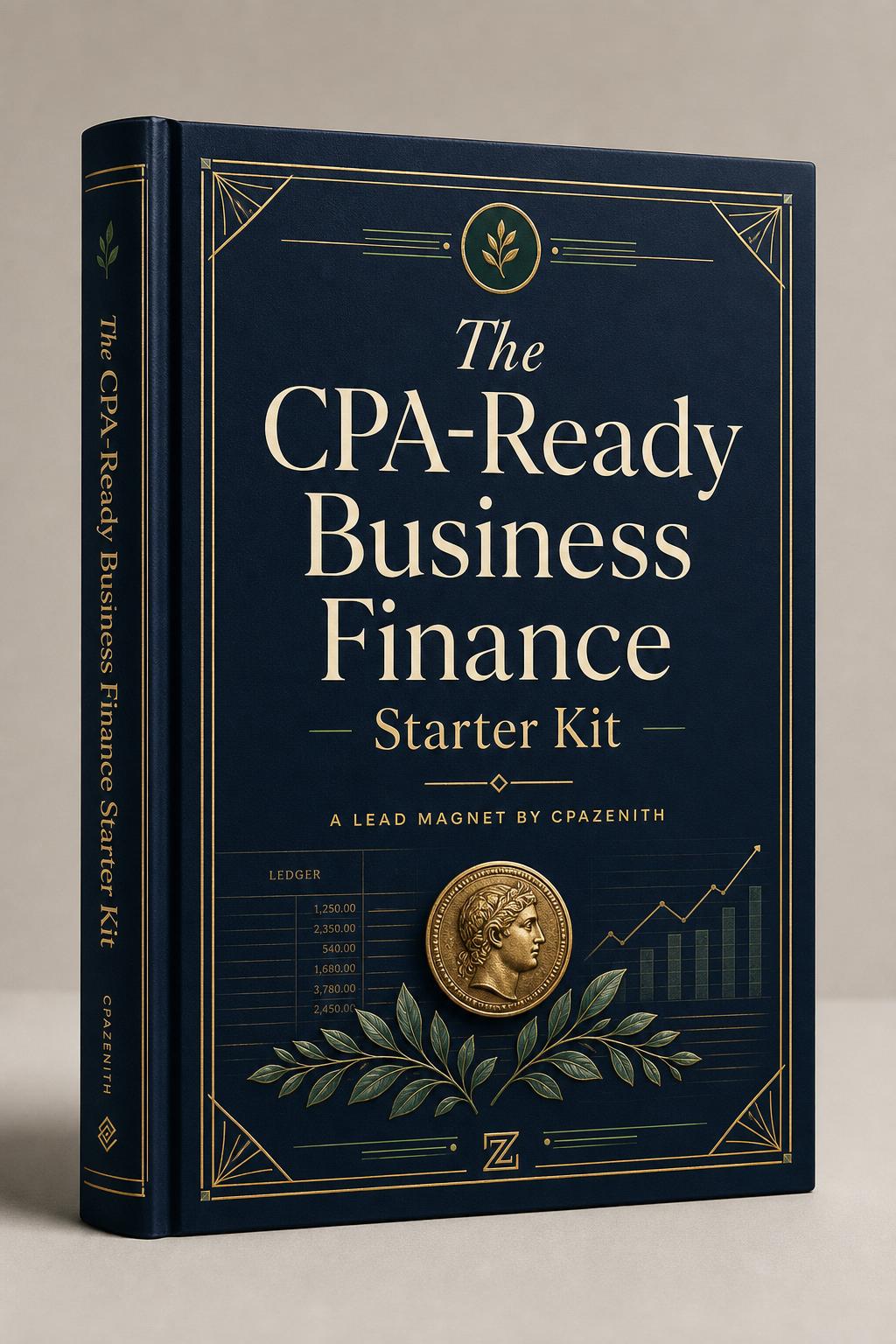
The CPA-Ready Business Finance Starter Kit cover

Free download

The CPA-Ready Business Finance Starter Kit

A practical, advisor-grade workbook for owners and founders — the foundations your CPA wishes every client showed up with. Books, taxes, cash flow, and entity decisions, in one place.

  • Monthly bookkeeping rhythm
  • Tax-ready document checklist
  • Entity & S-Corp decision guide
  • Cash flow & owner pay basics

No signup required. Informational only — consult your CPA for advice.

Ready for the next step?

See the full Lead-Magnet Funnel — from free checklist to advisor-grade systems.

Open the funnel

Step 7: Set Up Payroll if Needed

If your business has employees, payroll setup must be handled carefully. Payroll affects wages, tax withholding, benefits, payroll taxes, reports, and year-end forms.

Payroll setup may include:

  • Employee information
  • Pay schedules
  • Wage rates
  • Tax withholding details
  • Benefits and deductions
  • Payroll tax settings
  • Contractor records
  • Direct deposit setup
  • Payroll reports

Step 8: Create Monthly Bookkeeping Procedures

QuickBooks setup should include a monthly bookkeeping process. Without a routine, the books can quickly fall behind.

Your monthly bookkeeping process should include:

  • Importing transactions
  • Categorizing income and expenses
  • Matching payments and deposits
  • Reconciling bank accounts
  • Reconciling credit cards
  • Reviewing accounts receivable
  • Reviewing accounts payable
  • Checking payroll entries
  • Reviewing financial reports
  • Saving supporting documents

Step 9: Review Reports Before Going Live

Before relying on QuickBooks, review the main financial reports.

Important reports include:

  • Profit and loss statement
  • Balance sheet
  • Statement of cash flows
  • Accounts receivable aging
  • Accounts payable aging
  • Sales reports
  • Expense reports
  • Payroll reports

Step 10: Decide Who Will Maintain QuickBooks

After QuickBooks is set up, decide who will maintain the books.

Options include:

  • Business owner
  • Internal employee
  • QuickBooks bookkeeper
  • CPA firm
  • Outsourced bookkeeping service
  • Combination of bookkeeper and CPA

Common QuickBooks Setup Mistakes

Small businesses often make these mistakes:

  • Creating too many accounts
  • Mixing personal and business expenses
  • Not reconciling accounts
  • Duplicating transactions
  • Categorizing transfers as income
  • Ignoring payroll setup details
  • Using inconsistent customer or vendor names
  • Not reviewing reports
  • Waiting until tax season to fix the books

Get QuickBooks Help

Need help setting up QuickBooks correctly? CPAZenith helps businesses connect with QuickBooks consultants, bookkeepers, accountants, and tax professionals for setup, cleanup, monthly bookkeeping, payroll, and reporting.

Frequently asked

What is the first step in setting up QuickBooks?

The first step is choosing the right QuickBooks version and entering accurate company information, including business name, address, industry, fiscal year, and accounting preferences.

Do I need a chart of accounts?

Yes. The chart of accounts organizes your financial activity and determines how income, expenses, assets, liabilities, and equity appear in reports.

Should I connect my bank account to QuickBooks?

Bank feeds can save time, but transactions still need to be reviewed, matched, categorized, and reconciled properly.

Can I set up QuickBooks myself?

Some business owners can set up QuickBooks themselves, but professional help is useful if you have payroll, inventory, sales tax, multiple accounts, or complex reporting needs.

How often should QuickBooks be updated?

Most businesses should update QuickBooks at least monthly. Businesses with high transaction volume may need weekly bookkeeping.

Does QuickBooks setup include bookkeeping?

Setup and bookkeeping are different. Setup creates the system. Bookkeeping maintains the records on an ongoing basis.

What if my QuickBooks file is already messy?

You may need QuickBooks cleanup before monthly bookkeeping can begin. Cleanup can fix duplicates, reconciliation problems, miscategorized transactions, and reporting errors.

Can QuickBooks help with tax preparation?

Yes. When maintained properly, QuickBooks can provide organized records that support tax preparation and planning.

Recommended next step

Download the Bookkeeping Template Pack or Bookkeeping Cleanup Guide

Two CPA-built resources behind every guide in this cluster — pick the templates if your books are current, or the cleanup guide if you're catching up.

Bookkeeping Template Pack

Automated P&L, balance sheet, cash flow & reconciliations

Bookkeeping Cleanup Guide

Step-by-step playbook to fix messy or behind books

Next step

Need a real human? Find a verified CPA in your city.