QuickBooks
QuickBooks Online Setup Checklist
A well-built QuickBooks Online file saves hours every month and keeps your tax return defensible. This checklist walks through the setup steps a CPA or QuickBooks ProAdvisor follows when configuring QBO for a new small business.
Setup checklist
- Company info, fiscal year, and tax form selected
- Chart of accounts customized for your industry
- Products and services with correct income accounts
- Bank, credit card, and loan accounts connected to feeds
- Opening balances entered from prior books or tax return
- Sales tax agencies and rates configured
- Payroll, contractors, and 1099 vendors set up
- Users invited with appropriate permission levels
Who should use this checklist
- New small businesses setting up QBO from scratch
- Owners moving from spreadsheets to QuickBooks
- Companies migrating from QuickBooks Desktop to Online
- Bookkeepers onboarding a new client file
- Franchisees standardizing across multiple locations
- Nonprofits configuring class and location tracking
When to hire a ProAdvisor
- Migrating historical data from another system
- Setting up inventory, job costing, or multi-currency
- Configuring payroll and multi-state sales tax
- Building custom reports or KPI dashboards
- Cleaning up an existing file at the same time
- Training staff on day-to-day workflows
Frequently Asked Questions
How long does QuickBooks Online setup take?
A clean setup for a new business takes a few hours to a few days. Migrating from another system with historical data can take 2 to 6 weeks.
Should I do setup myself or hire a ProAdvisor?
DIY works for very simple service businesses. Hire a ProAdvisor if you have inventory, payroll, multi-state sales tax, historical data, or industry-specific reporting needs.
Which QuickBooks Online plan should I pick?
Simple Start fits solo owners; Essentials adds bill pay and time tracking; Plus adds inventory, class, and project tracking; Advanced fits larger or more complex businesses.
Can I import data from QuickBooks Desktop?
Yes. Intuit provides a migration tool. A ProAdvisor typically verifies the migrated file, reconciles accounts, and confirms reports match the source.
Related services
Get matched
Need accounting, QuickBooks, tax planning or fractional CFO support? Compare CPA and advisory options for your business, nonprofit or organization.
Advisor-grade guides
Downloadable ebooks & templates
CPA-ready playbooks and templates you can use today — instant downloads, no signup required.

The Small Business Tax & Profit Playbook
A CPA-ready guide to deductions, quarterly taxes, S-Corp strategy, owner pay, cash flow, and year-round tax planning.
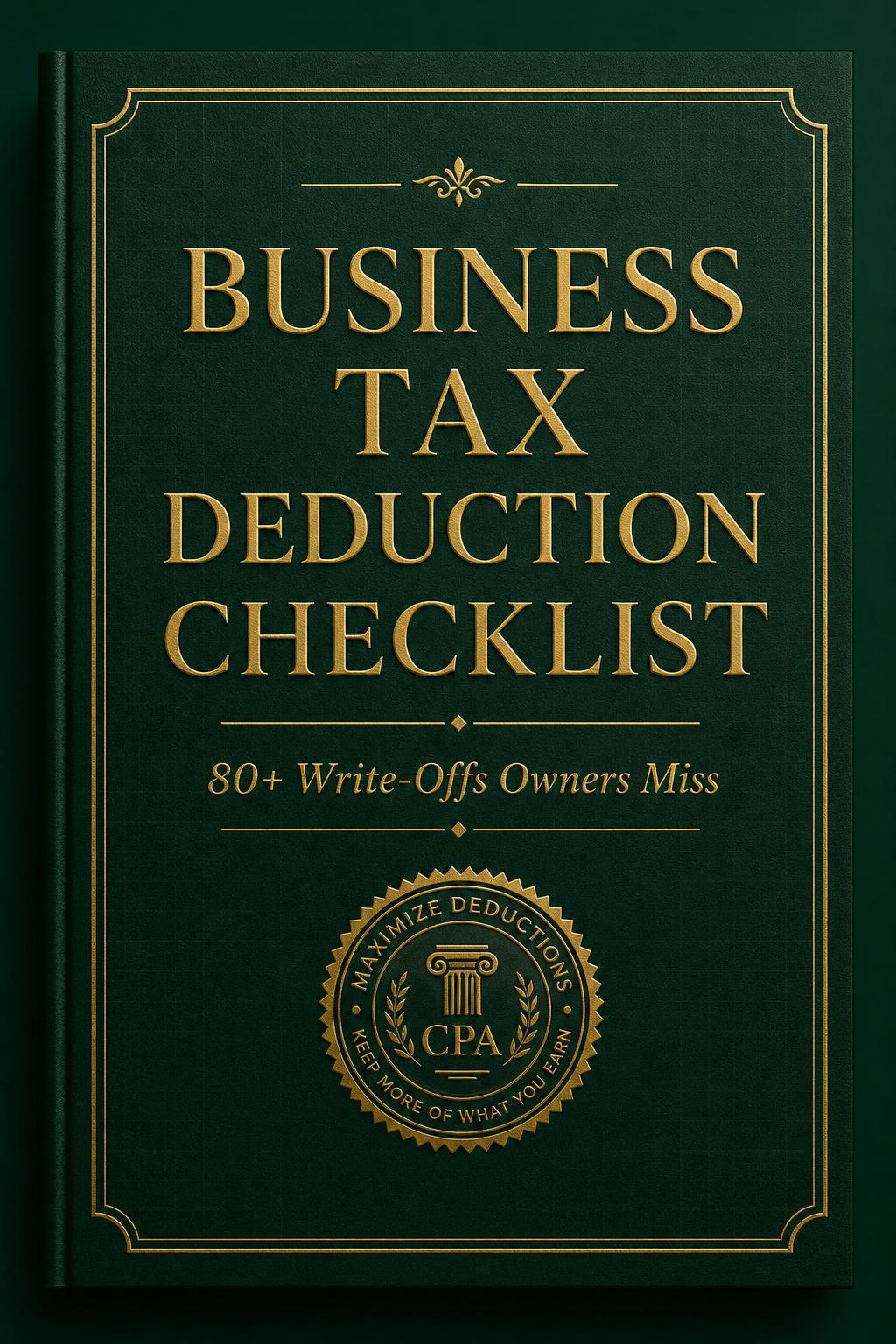
Business Tax Deduction Checklist
A CPA-curated checklist of 80+ business deductions most owners miss — organized by category so you can sweep it before filing.
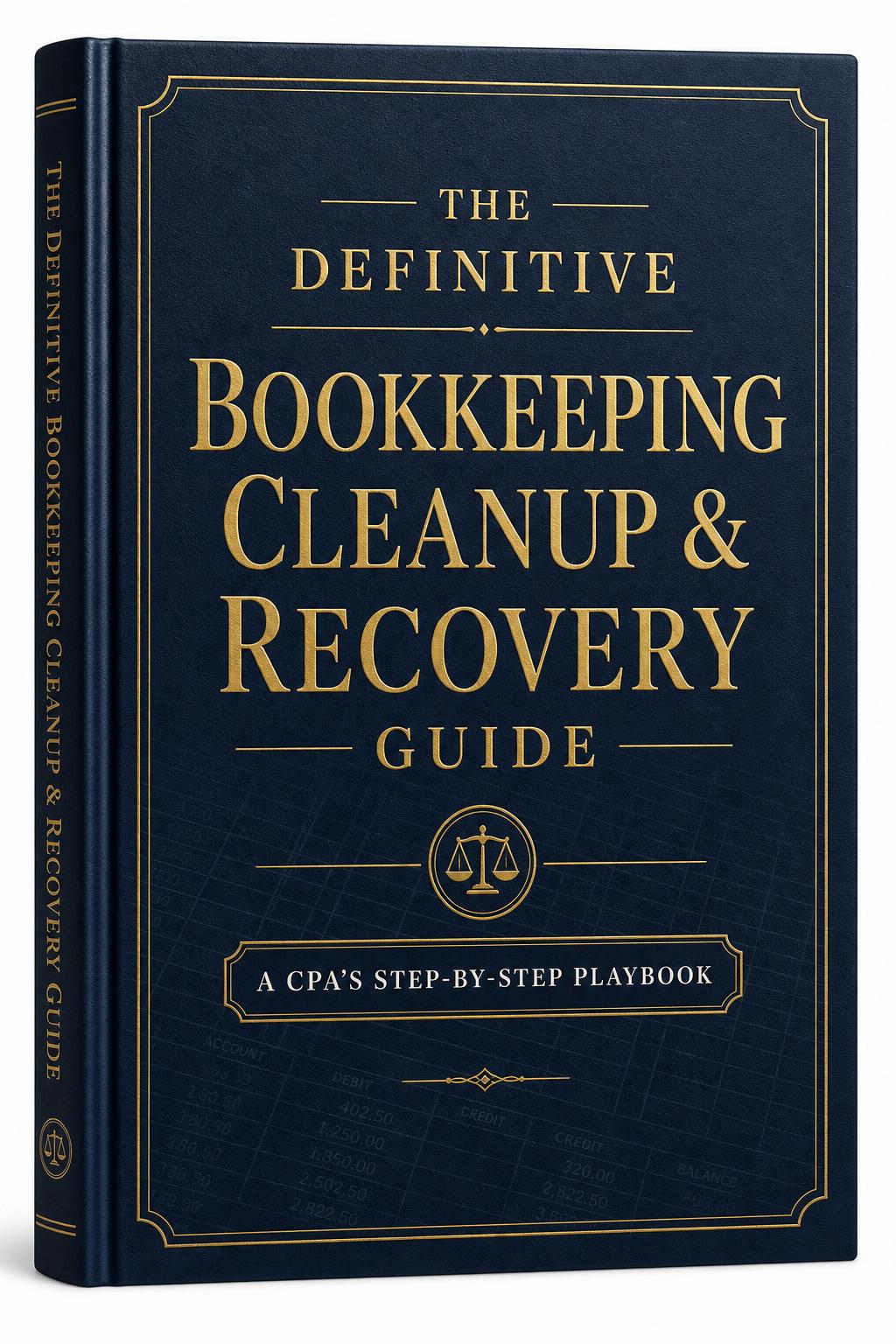
The Definitive Bookkeeping Cleanup & Recovery Guide
The CPA's step-by-step playbook for diagnosing messy books, reconstructing missing history, and restoring a clean, audit-ready ledger.

The Freelancer Tax Guide
The practical tax playbook for freelancers, contractors, and solo creatives — deductions, quarterly estimates, and self-employment strategies.

The Year-End Tax Planning Guide
The CPA's December playbook — practical strategies to reduce your tax bill before the year closes.
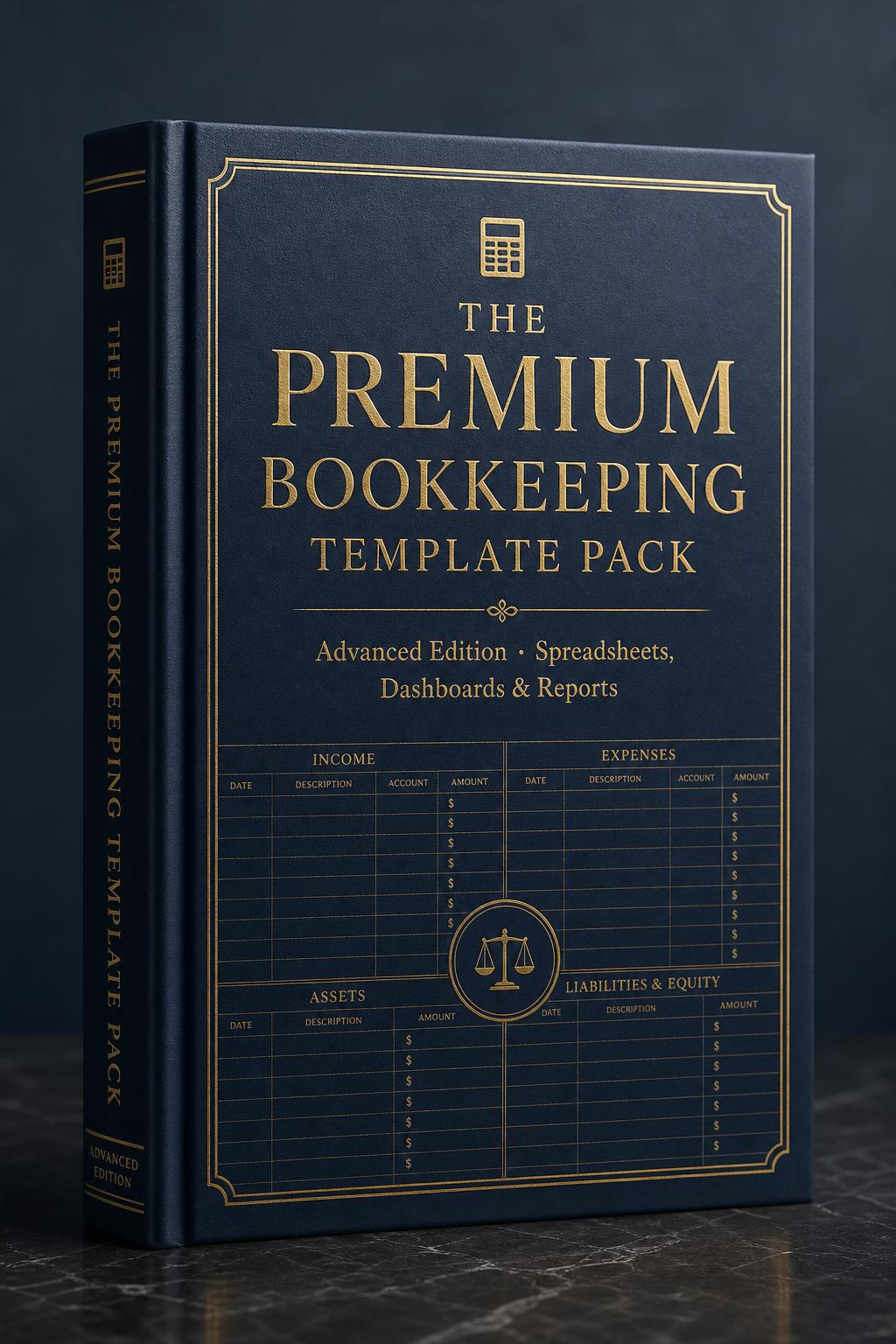
The Premium Bookkeeping Template Pack
Automated dashboards, multi-account reconciliations, and CPA-ready reporting workbooks for serious owners and bookkeepers.
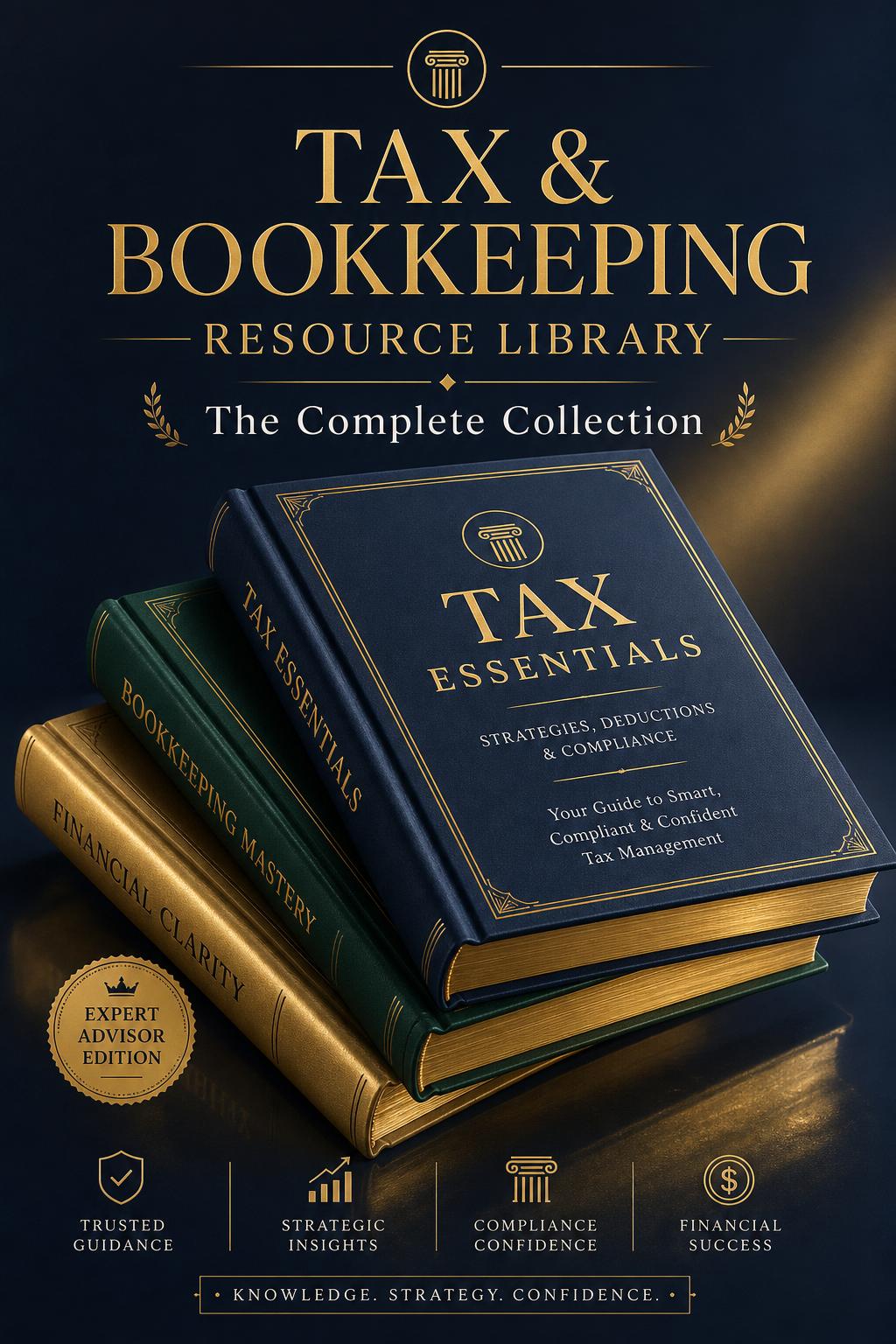
Tax & Bookkeeping Resource Library
Our complete advisor-grade collection — every premium asset an owner needs to run clean books, lower taxes, and recover messy ledgers, in one bundle.