Chart of Accounts
QuickBooks Chart of Accounts Setup
Your chart of accounts is the backbone of every report in QuickBooks. A well-designed chart produces P&Ls and balance sheets that actually tell you what is happening in your business — without manual reformatting every month.
What's Included
- Industry-specific account design
- Income and expense category structure
- Balance sheet account setup
- Class and location tracking for segmented reporting
- Sub-accounts and detail levels
- Cleanup or restructure of existing accounts
Who This Is For
- New QuickBooks files needing initial setup
- Businesses with bloated or messy account lists
- Multi-location or multi-department companies needing segmented reporting
- Companies preparing for a CPA, lender, or investor review
- Practices growing into specialty service lines
- Anyone whose monthly reports don't make sense
How to Choose
- QuickBooks ProAdvisor certification
- Experience designing charts for your industry
- Understanding of class and location tracking
- Willingness to clean up rather than re-build from scratch when possible
- Coordination with your CPA on tax-line mapping
- Documentation of the new structure
Frequently Asked Questions
Why does the chart of accounts matter?
Every transaction in QuickBooks posts to an account. The structure of those accounts determines whether your P&L and balance sheet are useful or noise.
How many accounts should I have?
Most small businesses operate well with 30–80 accounts. Too few hides important detail; too many makes the file hard to maintain. A ProAdvisor finds the right balance for your business.
Can I restructure my chart of accounts after using QuickBooks for years?
Yes. A ProAdvisor can merge, rename, and reorganize accounts without losing historical data. Class and sub-account additions help layer detail without rebuilding.
What is class tracking?
Class tracking lets you tag transactions with a class (such as department, location, or service line) so you can run a P&L by class without duplicating accounts.
Should my CPA design my chart of accounts?
Your CPA's input on tax-line mapping is valuable, but a QuickBooks ProAdvisor typically designs the operational structure. The two coordinate so your books support both tax filing and management reporting.
Related services
Advisor-grade guides
Downloadable ebooks & templates
CPA-ready playbooks and templates you can use today — instant downloads, no signup required.

The Small Business Tax & Profit Playbook
A CPA-ready guide to deductions, quarterly taxes, S-Corp strategy, owner pay, cash flow, and year-round tax planning.
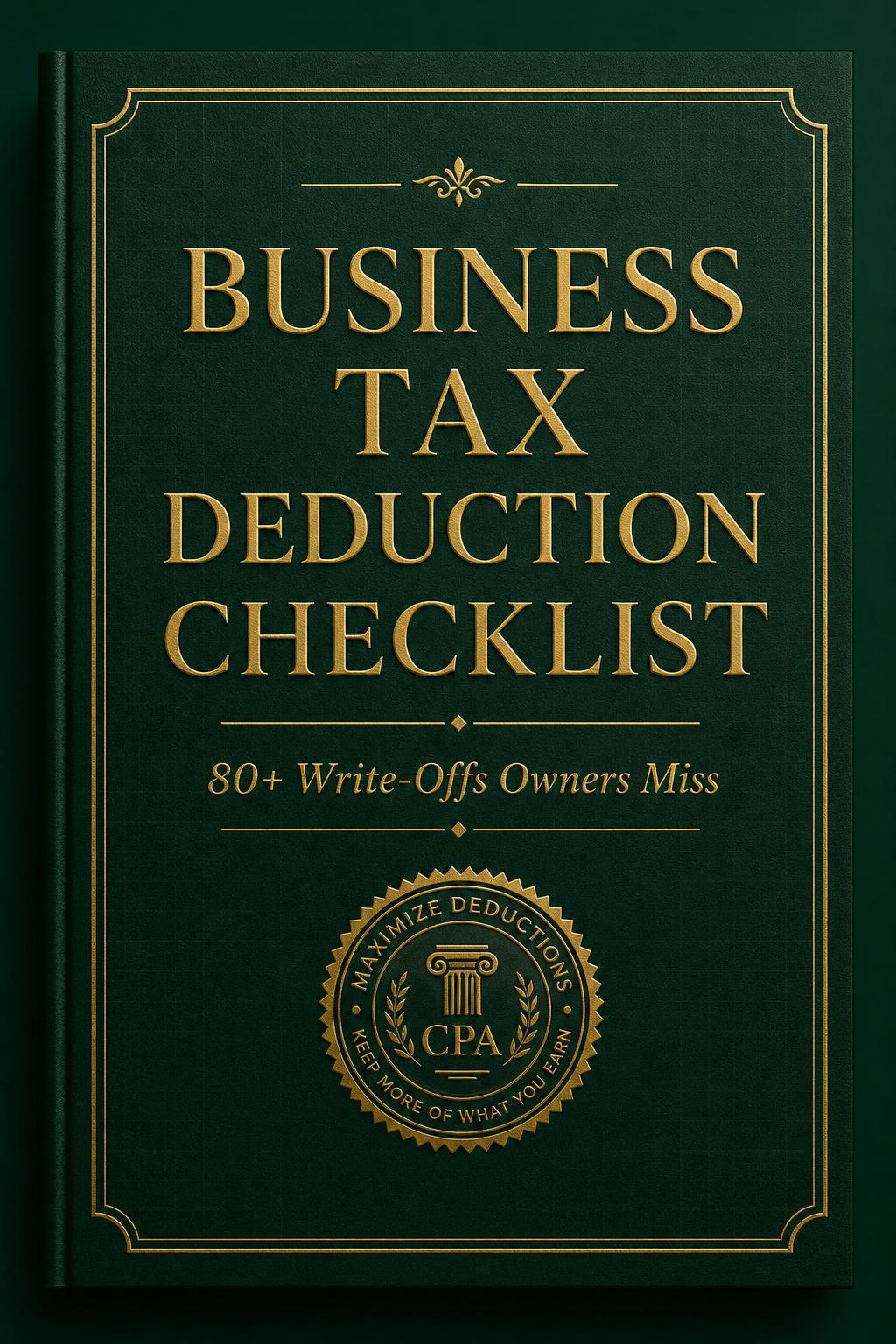
Business Tax Deduction Checklist
A CPA-curated checklist of 80+ business deductions most owners miss — organized by category so you can sweep it before filing.
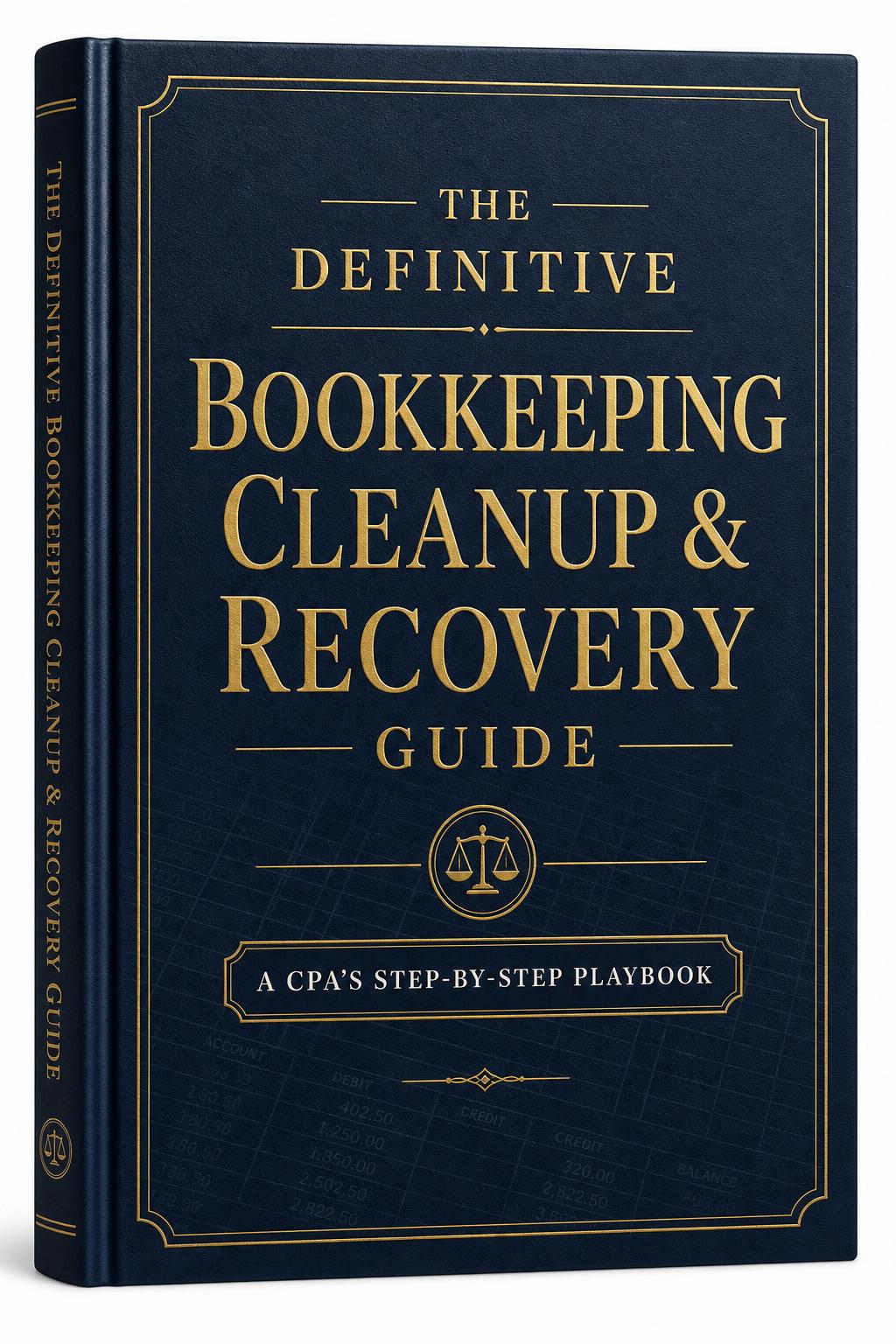
The Definitive Bookkeeping Cleanup & Recovery Guide
The CPA's step-by-step playbook for diagnosing messy books, reconstructing missing history, and restoring a clean, audit-ready ledger.
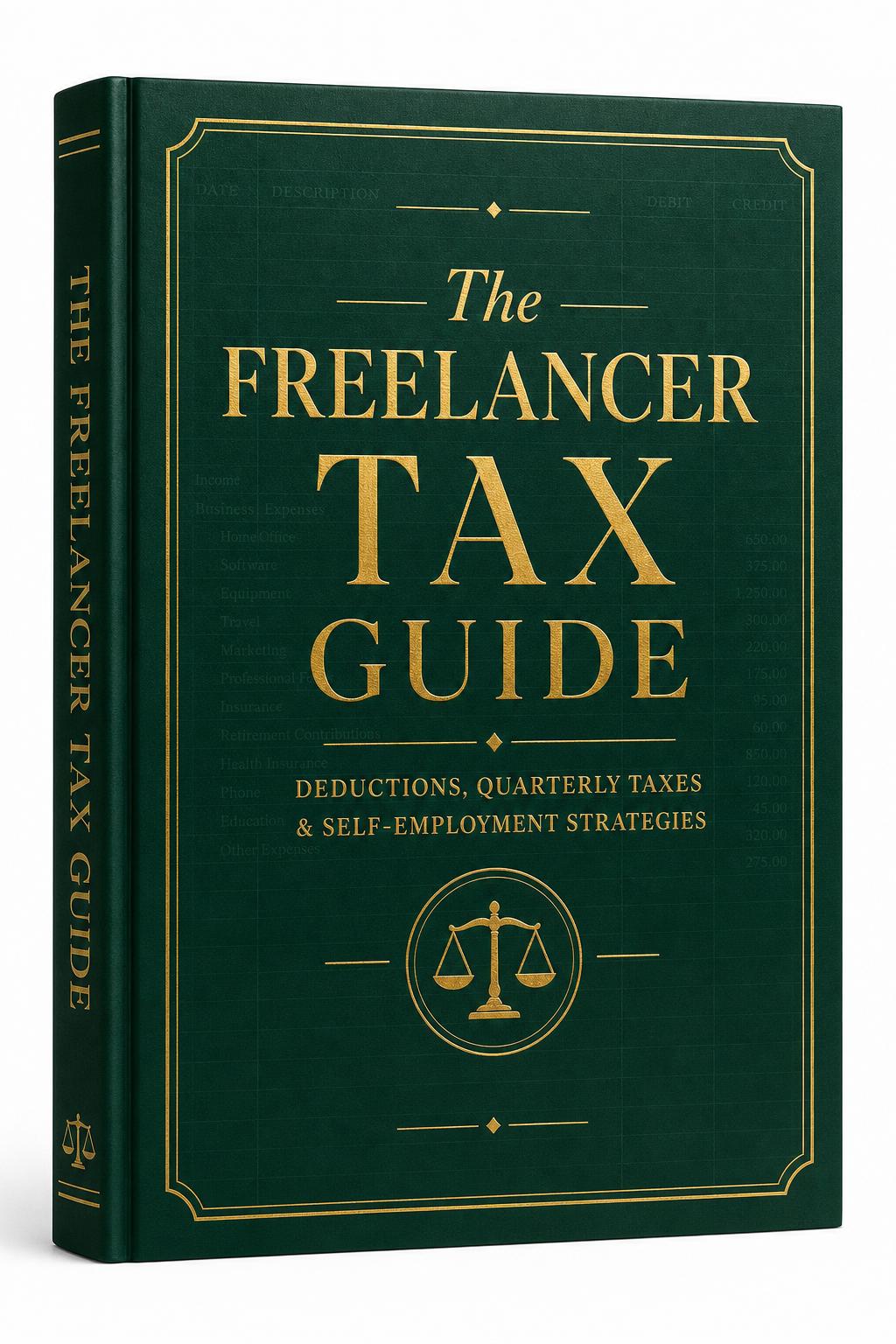
The Freelancer Tax Guide
The practical tax playbook for freelancers, contractors, and solo creatives — deductions, quarterly estimates, and self-employment strategies.

The Year-End Tax Planning Guide
The CPA's December playbook — practical strategies to reduce your tax bill before the year closes.
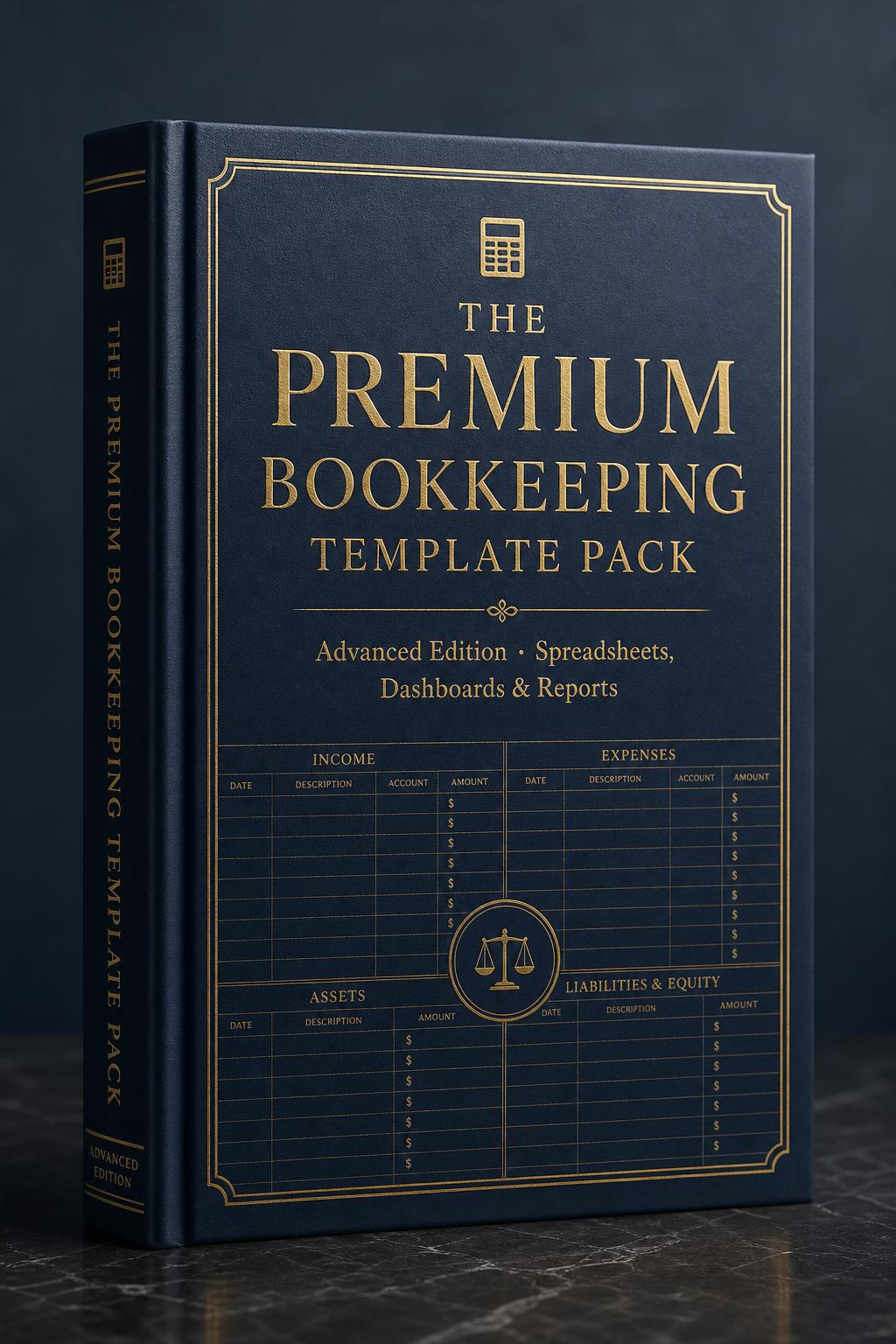
The Premium Bookkeeping Template Pack
Automated dashboards, multi-account reconciliations, and CPA-ready reporting workbooks for serious owners and bookkeepers.
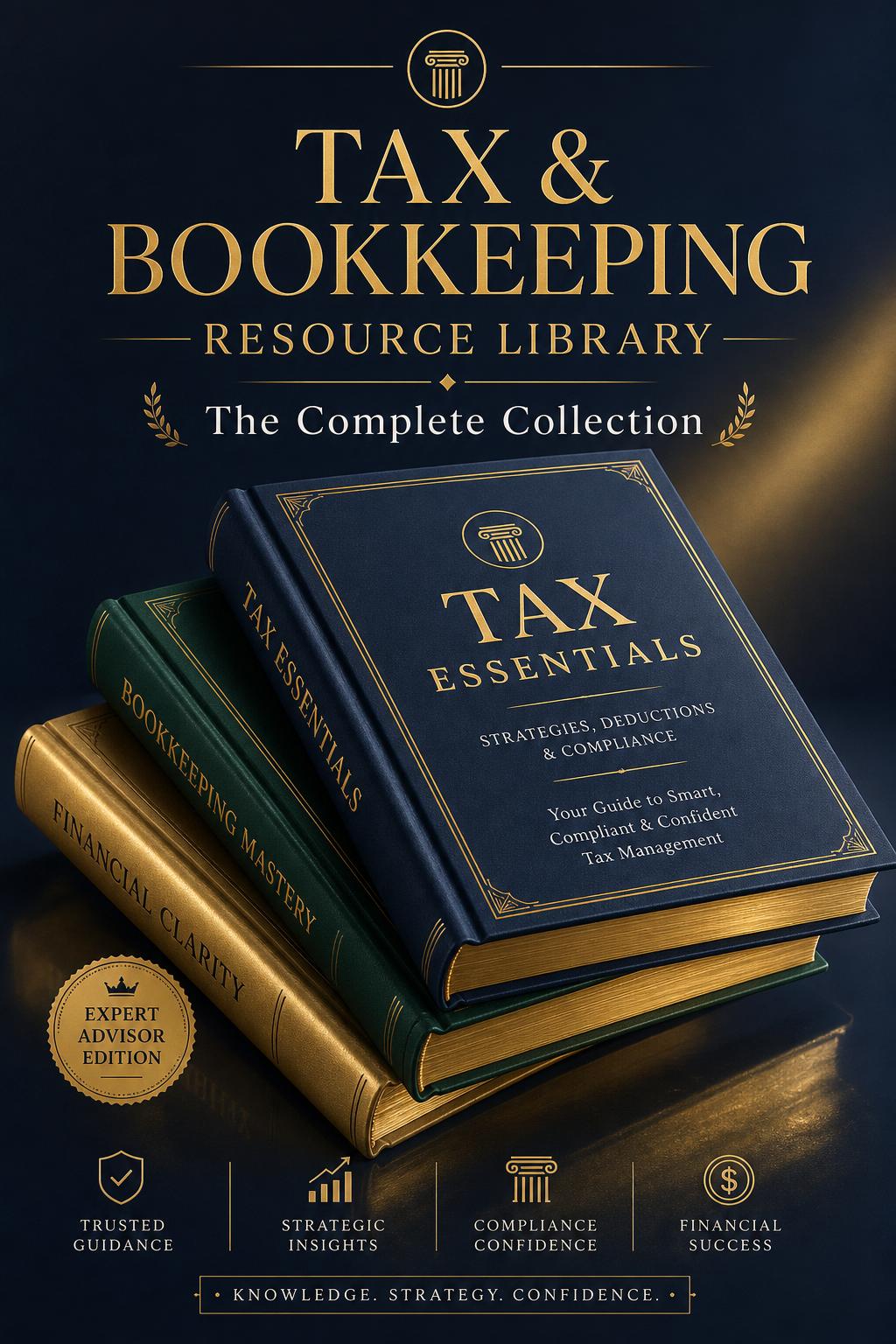
Tax & Bookkeeping Resource Library
Our complete advisor-grade collection — every premium asset an owner needs to run clean books, lower taxes, and recover messy ledgers, in one bundle.